Training video production · Animation & AI

Training video production: six styles, one script.

We produced the same training video in six animation styles — AI avatar, 2D, 3D, motion graphics, whiteboard and live-action — so you can compare corporate training videos side by side and choose with your own eyes, not in the dark.

6 styles 20s each 1 script From 3 days to 4 weeks

00 Summary

What is an animated training video?

An animated training video is corporate learning content — onboarding, compliance, safety, processes — produced with animation or artificial intelligence instead of traditional filming. W2 Films, a video production company based in Curitiba and Florianópolis, Brazil, serving clients nationwide and abroad, delivers employee training videos in six styles: AI avatar, 2D animation, 3D animation, motion graphics, whiteboard animation and live-action. On this page, all six were produced from the same 20-second script so you can compare them.

Updated September 29, 2026 · W2 Films

  • Most affordable: motion graphics and whiteboard ($), ready in 3 to 7 days.
  • With AI, no style goes above $$ — AI avatar, 2D, 3D and AI-generated live-action.
  • Highest investment ($$$): only live-action filmed with actors, crew and a location.
  • Turnaround: from 3 days (motion, whiteboard) to 4 weeks (3D animation), for 1- to 3-minute videos.
  • Delivery: MP4 ready for your learning platform (LMS), with mobile versions and captions.

01 Compare

Same script, same second, different style.

Switch styles while the video plays: it picks up from the same point. Text, narration and cuts are identical across all six — only the visual language changes.

AI avatar
0:00

The script · 20-second onboarding video

0–4sWelcome to Grupo Aurora!
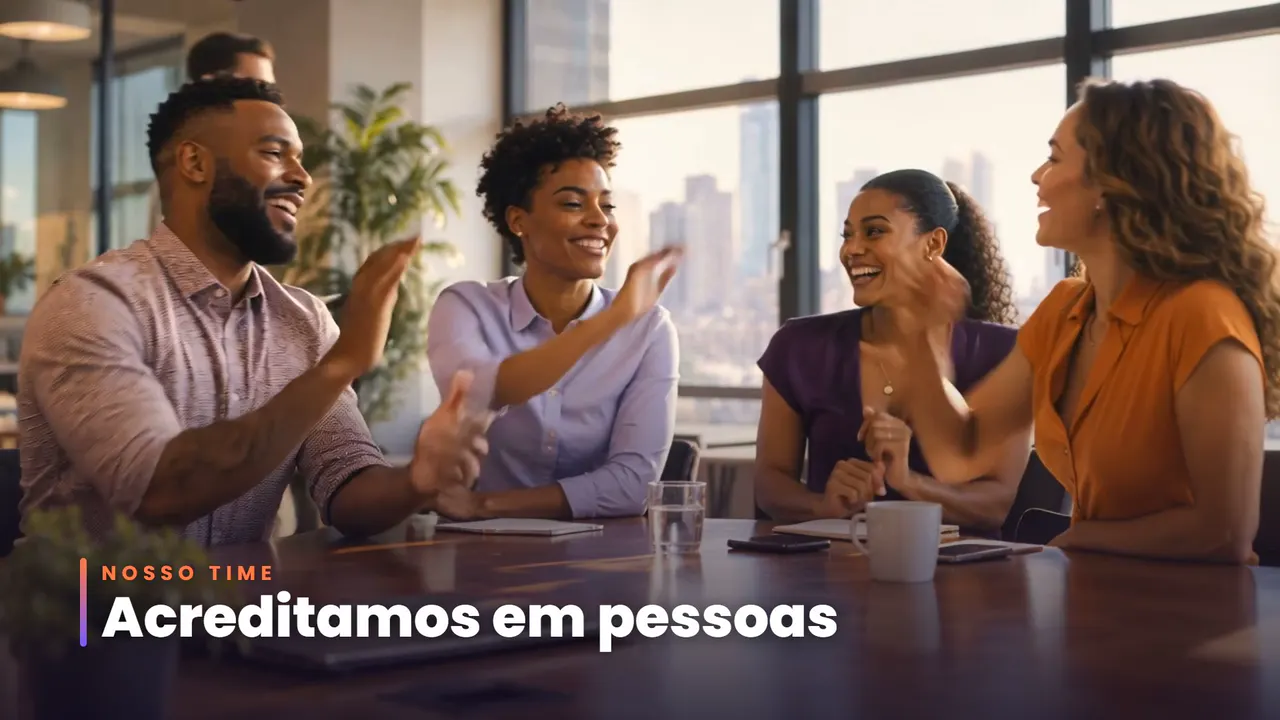
4–9sStarting today, you're part of a team that believes in people.
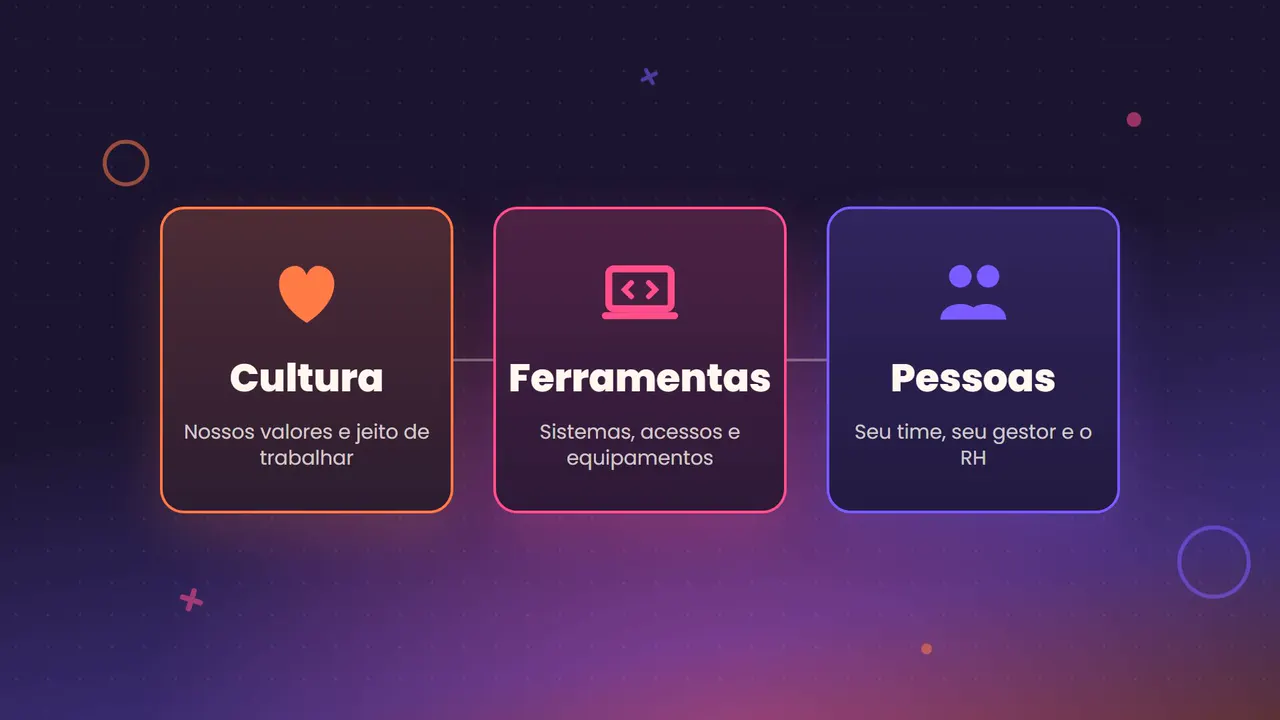
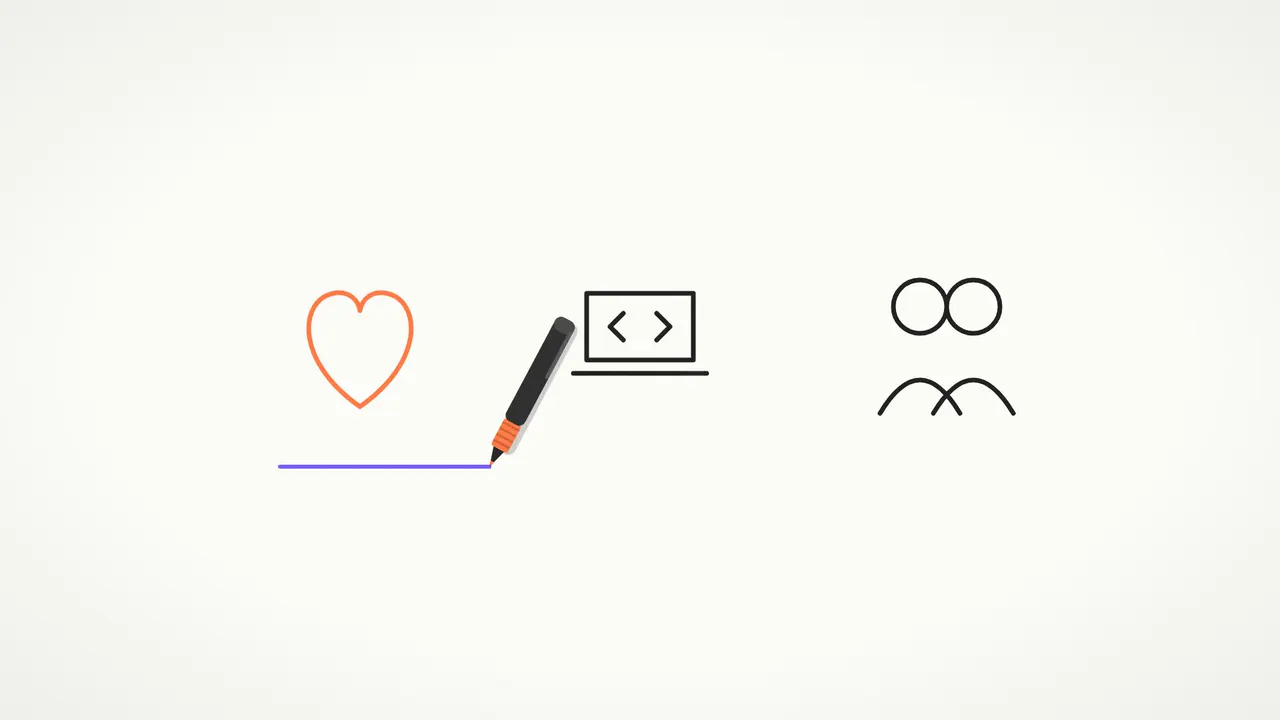
9–15sOver the next few days, you'll get to know our culture, your tools and the people by your side.
15–20sAny questions? HR has your back. Shall we get started?

Click a script line to jump straight to it. Sample narration is in Brazilian Portuguese — we also produce in English.

02 The styles

Animated training videos: the styles — and when each one works.

The six animation styles we use in training video production: overview, production steps, best uses, strengths and watch-outs. Click the image to watch the sample.

Training video sample: AI avatar style Watch the sample · 20s

Style 01

AI avatar

A digital presenter who speaks straight to the employee, looking into the camera.

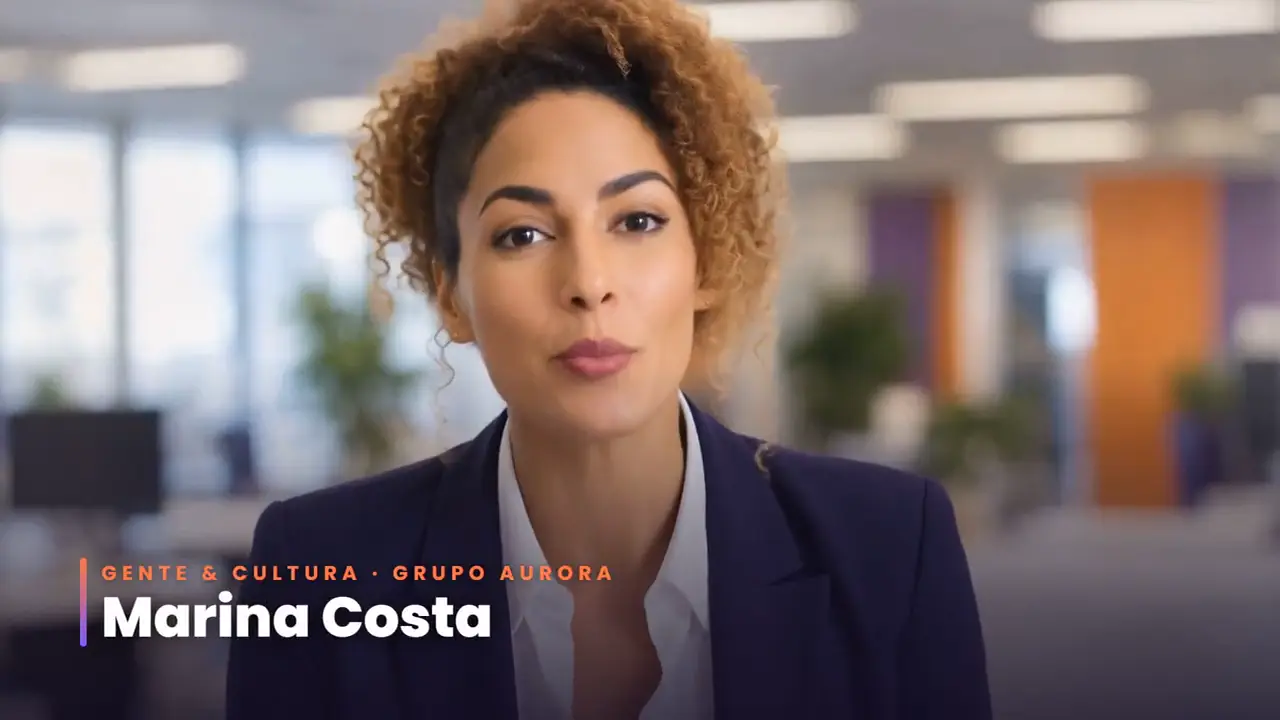
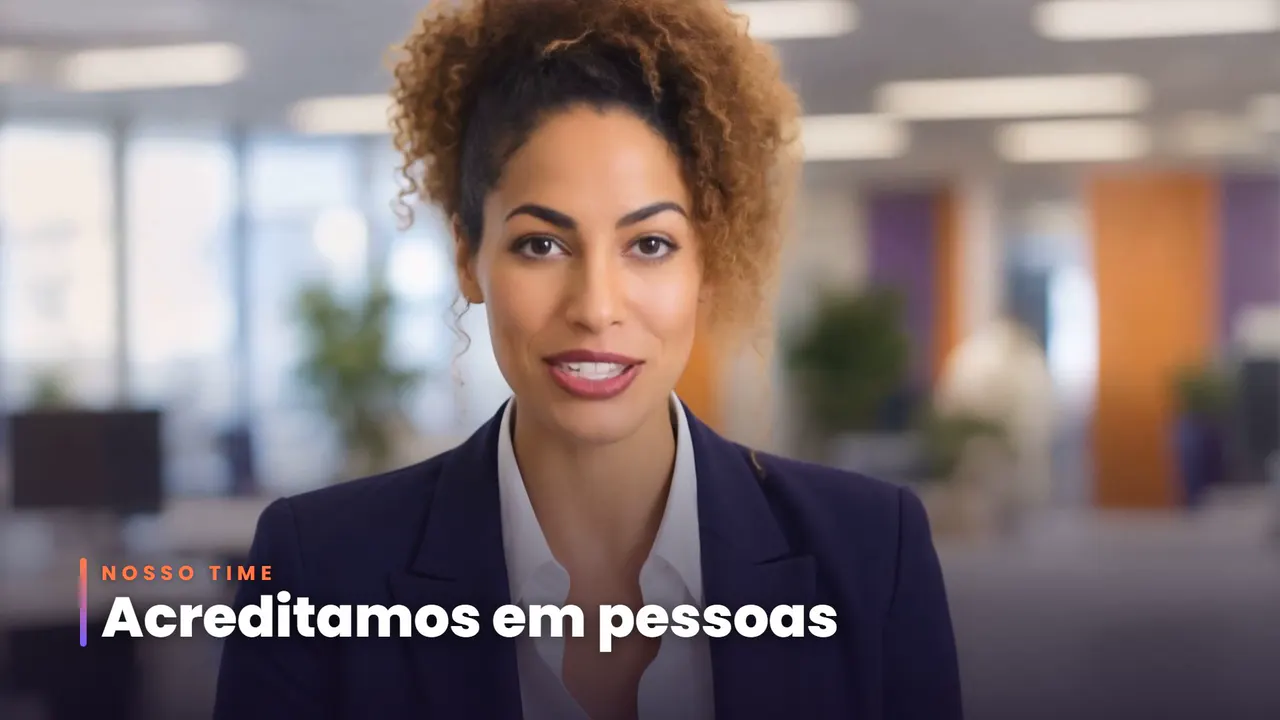
A virtual presenter — female or male — with a realistic face, voice and expressions, who leads the training with lip sync. In the sample, “Marina Costa” from People & Culture is a character created for Grupo Aurora, with on-screen graphics for her name, the topics and the closing call to action.

Investment
$$
Typical turnaround
2 to 5 days
Updating later
Easy
  1. Script and voiceover approved
  2. Presenter creation and lip sync
  3. Graphics layer: name, topics and callouts
  4. Sound and color finishing
Leadership announcementsCompliance and policiesOnboarding with a faceRecurring series

Strengths

  • Human presence without a shoot day
  • The same face across the whole module series
  • Script updates without going back to the studio

Watch out

  • Shines in presenter shots; physical actions call for another style

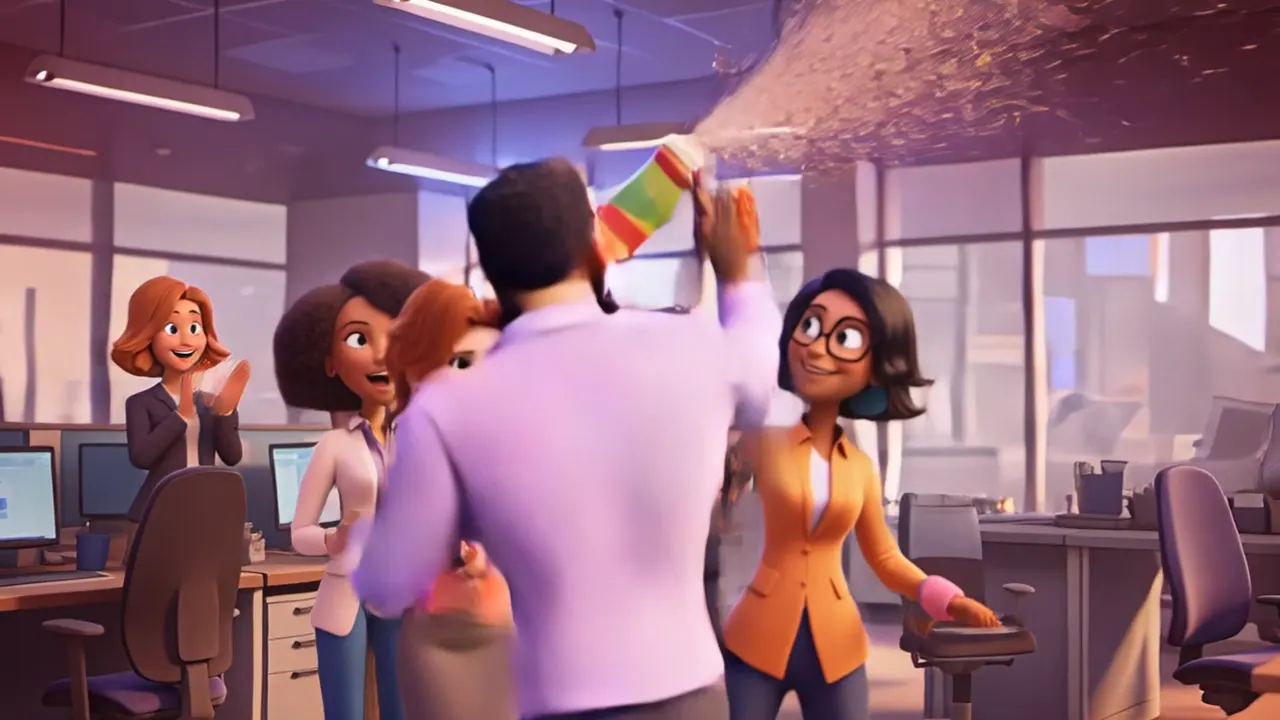
Training video sample: 2D animation style Watch the sample · 20s

Style 02

2D animation

Illustration with characters and settings in your brand palette.

Flat illustrations, with characters and environments designed around the company's identity, animated with camera and element movement. Any role, profile or situation can be portrayed — no actors, no location.

Investment
$$
Typical turnaround
1 to 2 weeks
Updating later
Moderate
  1. Scene-by-scene script
  2. Art direction and character design
  3. Illustration of every scene
  4. Animation, music and mixing
OnboardingInternal processesBroad, diverse audiencesSensitive topics with a light touch

Strengths

  • A visual identity all your own
  • Portrays any role or setting
  • Easy to adapt into other languages

Watch out

  • More approval rounds (style and characters) — build time into the schedule
Training video sample: 3D animation style Watch the sample · 20s

Style 03

3D animation

Three-dimensional characters and environments, with the language of animated film.

Expressive characters and 3D environments, with light, depth and camera movement. It's the most captivating style — and the best at conveying emotion when the goal is to engage, not just inform.

Investment
$$
Typical turnaround
2 to 4 weeks
Updating later
Hard
  1. Script and shot breakdown
  2. Character and environment design
  3. Key frames for each scene
  4. Animation, color and sound
High-impact internal campaignsEmployer brandingConventions and launchesOpening a learning path

Strengths

  • Biggest impact and wow factor
  • Emotional, expressive characters
  • A piece that becomes a benchmark inside the company

Watch out

  • The longest to produce; late changes cost more
Training video sample: Motion graphics style Watch the sample · 20s

Style 04

Motion graphics

Typography, icons and shapes in motion — information takes center stage.

Text, icons, numbers and shapes animated to the rhythm of the narration, in your brand's visual identity, with no characters. It's the most direct format for organizing information and making the essentials stick.

Investment
$
Typical turnaround
3 to 7 days
Updating later
Easy
  1. Script and voiceover
  2. Style frames in your brand identity
  3. Animation synced to the voiceover
  4. Versions for each channel
Data and resultsPolicies and standardsMicrolearningQuick summaries and announcements

Strengths

  • Fast and cost-effective
  • 100% on-brand
  • Numbers and text are easy to update

Watch out

  • Less empathy than characters; for emotional topics, pair it with another style
Training video sample: Whiteboard style Watch the sample · 20s

Style 05

Whiteboard

Hand-drawn lines on a whiteboard (whiteboard animation), at the speed of the explanation.

A hand draws the idea while the narration explains it, stroke by stroke. Curiosity about what comes next holds attention, and the classroom feel makes abstract concepts easy to follow — the same technique behind many explainer videos.

Investment
$
Typical turnaround
3 to 7 days
Updating later
Moderate
  1. Script and voiceover
  2. Sketch of each scene
  3. Line animation synced to the voiceover
  4. Finishing and captions
Step-by-step conceptsReasoning and methodologiesSequential proceduresIntroductory technical training

Strengths

  • Holds attention through curiosity
  • Teaching-style, classroom language
  • Cost-effective

Watch out

  • Simpler visuals with little color — best suited to instructional content
Training video sample: Live-action style Watch the sample · 20s

Style 06

Live-action

Realistic scenes with people in real work situations.

People in real workplaces, living the situation the training teaches. There are two paths, and the choice changes the investment: filmed with actors, crew and a location at your site ($$$), or produced with artificial intelligence from the script and references ($$) — like this sample.

Investment
$$ with AI · $$$ filmed
Typical turnaround
1 to 3 weeks
Updating later
Hard
  1. Script and shot breakdown
  2. Casting, location and releases — or AI generation
  3. Filming or generating the scenes
  4. Editing, graphics, color and sound
Conduct and behaviorWorkplace safetyCustomer serviceCompany culture

Strengths

  • Employees see themselves in the scene
  • Shows your real workplace and team, when filmed
  • Real-world credibility

Watch out

  • Filming costs more: it requires a location, cast and image releases
  • With AI, the scenes don't show your actual space or team

Every sample on this page was produced by W2 Films with artificial intelligence, from the same script (narration in Brazilian Portuguese). With AI, no style goes above $$; the $$$ tier corresponds to live-action filmed with actors, crew and a location. Relative investment and turnaround are benchmarks for a 1- to 3-minute video and vary with the script. Grupo Aurora is a fictional company.

03 How to choose

Which style for which training.

Our recommendation by content type. Not sure? You can combine styles within the same learning path.

Comparison of the 6 training video styles
StyleInvestmentTypical turnaroundBest forUpdating later
AI avatar$$2 to 5 daysLeadership announcements, compliance and policies, onboarding with a faceEasy
2D animation$$1 to 2 weeksOnboarding, internal processes, broad and diverse audiencesModerate
3D animation$$2 to 4 weeksHigh-impact internal campaigns, employer branding, conventions and launchesRequires new scenes
Motion graphics$3 to 7 daysData and results, policies and standards, microlearningEasy
Whiteboard$3 to 7 daysStep-by-step concepts, reasoning and methodologies, sequential proceduresModerate
Live-action$$ with AI · $$$ filmed1 to 3 weeksConduct and behavior, workplace safety, customer serviceRequires new scenes

Swipe the table sideways →

TrainingAI avatar2D3DMotionWhiteboardLive-action
Onboarding and orientation
Compliance and policies
Workplace safety
Processes and procedures
Culture and behavior
Leadership announcement
Data and results
High-impact internal campaign
Ideal Works well Not recommended

Data

Why short videos work for training.

52%

is the average engagement for videos under one minute — on average, viewers watch half.

Wistia, State of Video 2026 · 13 million videos · source
>50%

of a 1- to 5-minute educational or tutorial video is typically watched.

Wistia, State of Video 2026 · source
63%

of people prefer a short video over any other format to learn about a product or service; 12% prefer text.

Wyzowl, Video Marketing Statistics 2026 · 266 respondents · source

04 Process

From technical content to a video your team actually watches.

Briefing

Training goal, audience, length and where the video will run — learning platform, internal TV or mobile.

Script per module

We turn technical material into a short script, one idea per video, approved before production starts.

Production

Voiceover, animation or filming, music and graphics in your brand identity.

Delivery

MP4 ready for your LMS, mobile versions and captions, with revisions included.

05 FAQ

Training video production: frequently asked questions

What are the types of animated training videos?

The six most common styles for employee training videos are AI avatar (a digital presenter with lip sync), 2D animation (illustration with characters), 3D animation, motion graphics (text, icons and data in motion), whiteboard animation (hand-drawn on a whiteboard) and live-action (scenes with people, filmed or generated with AI). On this page, all six were produced from the same script so you can compare them.

Which animation style is the most affordable for corporate training videos?

Motion graphics and whiteboard animation are the most affordable ($), usually 3 to 7 days for a 1- to 3-minute video. AI avatar, 2D animation, 3D animation and AI-made live-action sit at $$. The highest investment ($$$) only comes with filmed live-action, which requires actors, crew and a location.

How long does training video production take?

It depends on the style: 3 to 7 days for motion graphics and whiteboard, 2 to 5 days for an AI avatar, 1 to 2 weeks for 2D animation, 1 to 3 weeks for live-action and 2 to 4 weeks for 3D animation, for a 1- to 3-minute video.

Filmed live-action or AI-generated: what is the difference?

Filmed live-action uses real actors, crew and locations: it shows your workplace and your people, and requires a higher investment ($$$). With artificial intelligence, scenes are generated from the script and references at a lower investment ($$), but they don't show your actual space. The live-action sample on this page was made with AI.

Can I mix styles in the same training program?

Yes, and it's common. The AI avatar on this page already has a motion graphics layer on top; a learning path can open with a 3D onboarding video and continue in motion graphics for the modules. What matters is keeping the visual identity consistent across videos.

Is the presenter in the AI training video a real person?

No. Marina Costa is a digital presenter created for the fictional company in this sample. For your company, we can create a dedicated presenter or film with a real spokesperson.

Will the employee training videos work on our company's learning platform (LMS)?

Yes. We deliver MP4, the format accepted by learning platforms, plus versions for mobile and internal networks when needed.

Can I update the video later?

Yes. Motion graphics and AI avatar videos are the easiest to update, because text and voiceover change without redoing scenes. In 3D and live-action, updates usually require new scenes.

Still torn between two styles?Tell us the training topic — we'll reply with a recommendation and a timeline.

Ask on WhatsApp

06 Contact

Which training becomes a video first?

Tell us the topic, the audience and the style that caught your eye. We'll send back a format recommendation, timeline and proposal within 24 business hours — and then deliver the video ready to publish.

⚡ Reply within 2 hours during business hours (Brazil time)

Get a quote on WhatsApp