
If AI makes the video, why does it cost?
What’s the best AI video generator? It depends on what you need — and what you want to pay.
We tested 6 AI video generators on the same scene — in the background, the same barista in each one. See the difference in quality, audio, resolution and cost, side by side. The price of an AI video is the sum of these pieces:
- Model Every AI charges differently — from cheapest to most expensive, up to ~80× per second.
- Resolution 4K has 9× the pixels of 720p and costs 4 to 6× more.
- Length You pay per generated second. 30 s costs 6× a 5-second clip.
- Retries AI makes mistakes. In our training video: 19 clips generated for 15 used, and 7 images redone.
- Audio and speech Voice, lip sync and sound are separate generations — or pricier models.
- People Script, curation, editing and finishing: what turns a generation into a video.
Quick answer
There is no single best AI video generator: each model balances quality, audio, resolution and price in its own way. In our test, with the same scene in six AI video generators, the most expensive one cost about 80 times more per second than the cheapest. Budget models work for scenes without dialogue and drafts; top models get faces, speech and detail right more often. The final cost adds up the model, the resolution, the length, the discarded attempts, the audio and the human work of scripting, curation and editing.
Test and text: W2 Films team · updated · Versão em português
01 · Compare
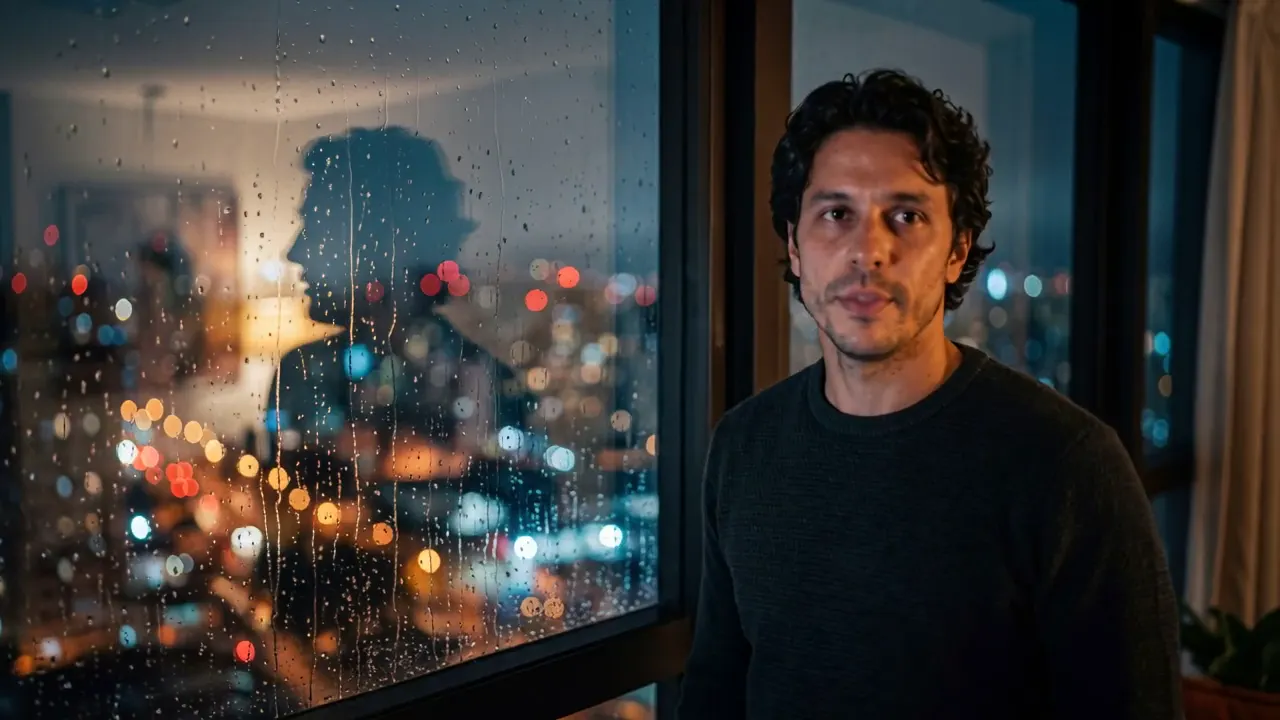
Same image, same prompt. Six results.
Pick two models and watch the three scenes in sequence, side by side — drag the curtain to compare motion, physics, faces, speech and sharpness.
| Profile | Strength | Max resolution | Max length | Audio | Cost |
|---|---|---|---|---|---|
| Budget | the lowest cost per second | 1080p | 10 s | no audio | $$$$$ |
| Value | audio at a low price | 2K | 15 s | native | $$$$$ |
| Versatile 4K | audio and up to 4K | 4K | 15 s | native | $$$$$ |
| Multi-shot | several takes in one generation | 1080p | 15 s | native | $$$$$ |
| Cinema | native speech and sound | 4K | 8 s | native | $$$$$ |
| Premium | the best overall quality | 1080p | 30 s | native | $$$$$ |
02 · Resolution
720p, 1080p or 4K: how much of the screen do you fill?
The frame below is a 4K screen. See the same video at the real size of each resolution — and how the cost climbs along with the pixels.
03 · Cost
Every generated second has a different price.
A relative comparison of the six models, per second of video. Drag the length to see how the cost of a project changes.
- Budget: 1× the cost per second of the Budget profile $$$$$
- Value: 4× the cost per second of the Budget profile $$$$$
- Versatile 4K: 9× the cost per second of the Budget profile $$$$$
- Multi-shot: 10× the cost per second of the Budget profile $$$$$
- Cinema: 21× the cost per second of the Budget profile $$$$$
- Premium: 79× the cost per second of the Budget profile $$$$$
04 · Process
How an AI video is really made (behind the scenes).
Real behind the scenes of a W2 production: every step, the discarded attempts and where the human work comes in.
-
human · 4 blocks · 20 s
Script
Everything starts with the text: what each scene shows and says. This is where you decide how many seconds — and how many generations — the video will need.
- B1Welcome to Grupo Aurora!
- B2From today on, you are part of a team that believes in people.
- B3Over the next few days you will get to know our culture, your tools and the people beside you.
- B4Any questions, count on HR. Shall we begin?
-
AI + tweaks · redone once
Voice
Narration generated and fitted to the timing of each block. The first version clipped the end of sentences — so it was redone.

-
AI + curation · 7 images redone
Base images
Every scene starts from an image. The ones from the local generator looked generic, so we remade them with a better model before animating. Drag to compare.
 discardedfinal
-
human · 6 options
Choosing the model
Each scene calls for a model: motion, speech, resolution and budget weigh differently. It is the decision that changes the cost the most.
Budget 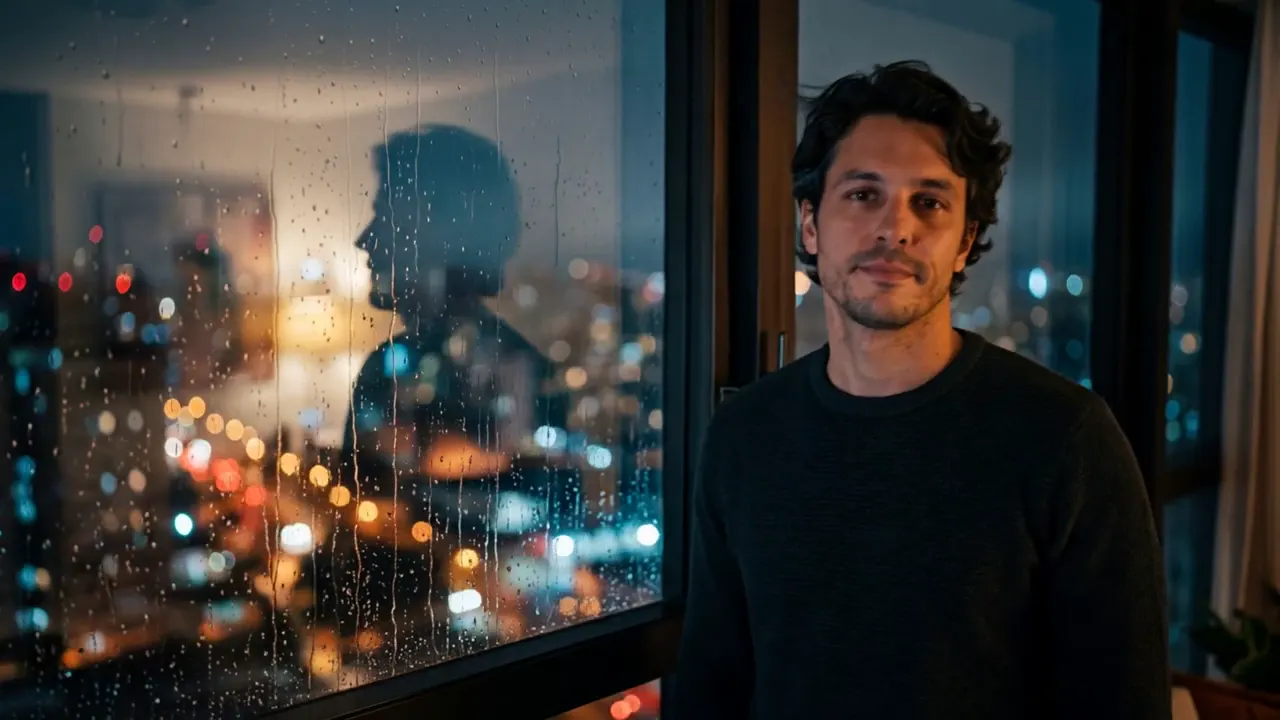
Versatile 4K 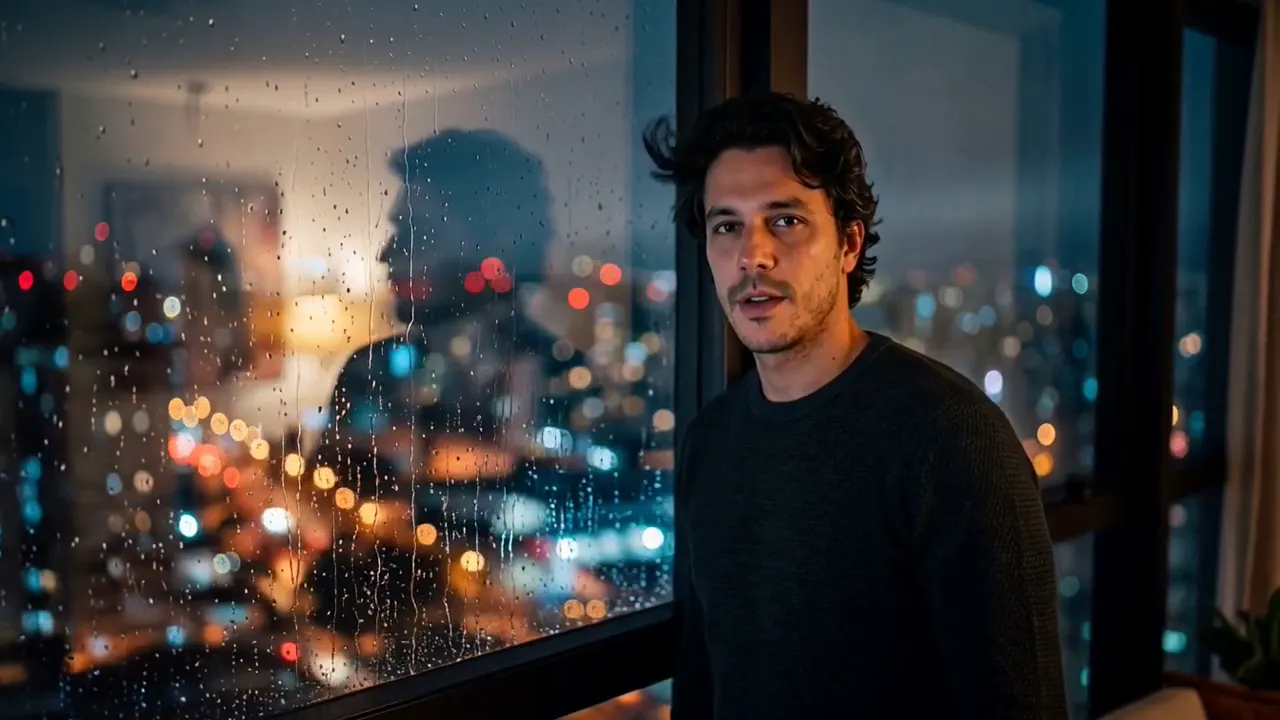
Value 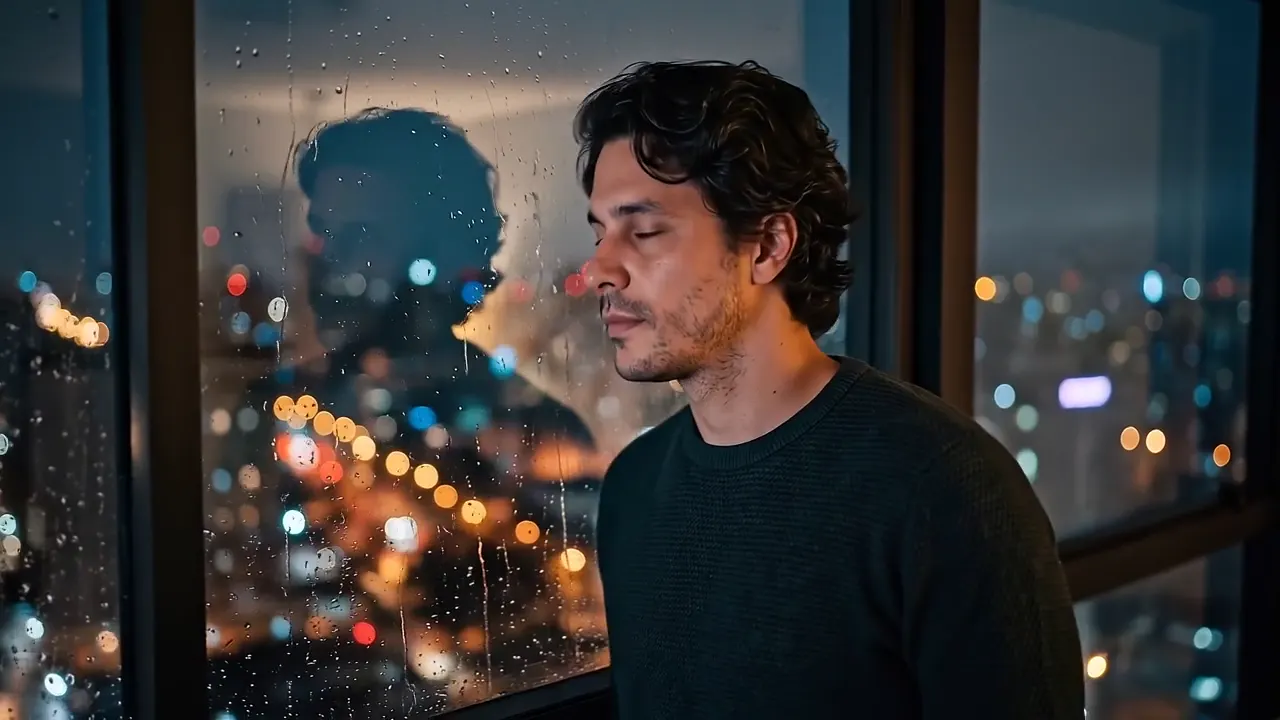
Cinema 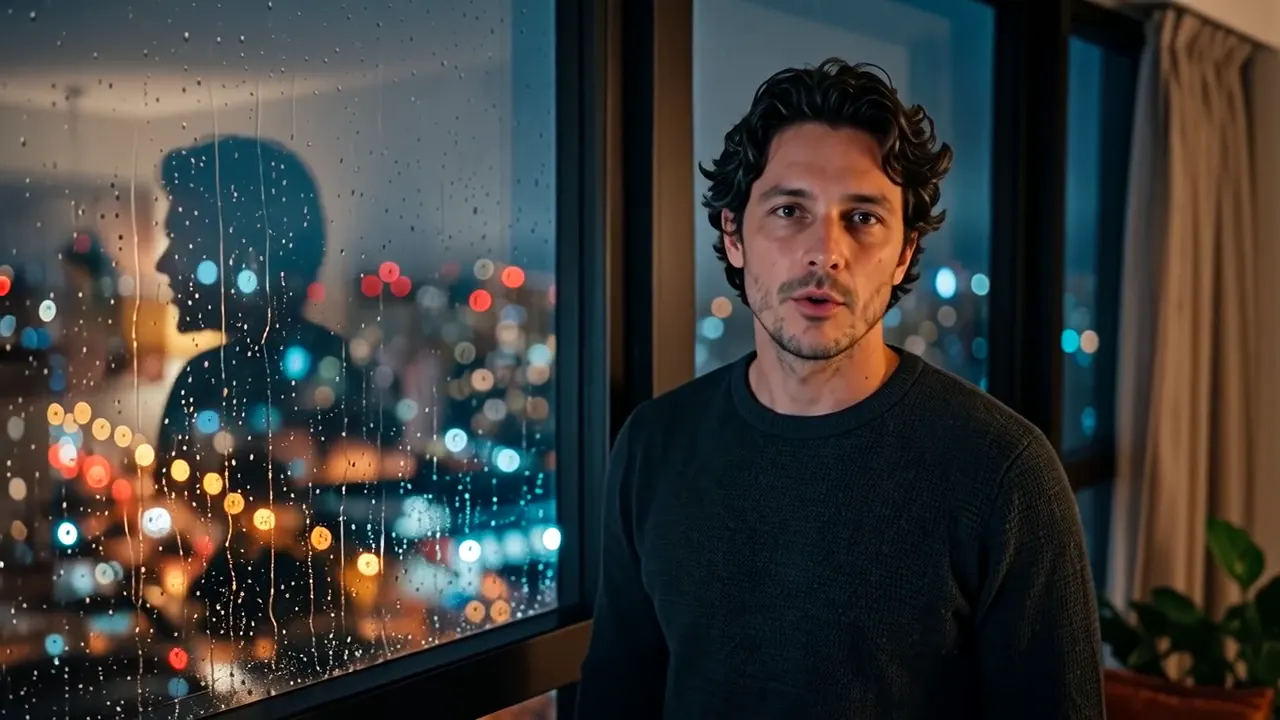
Multi-shot 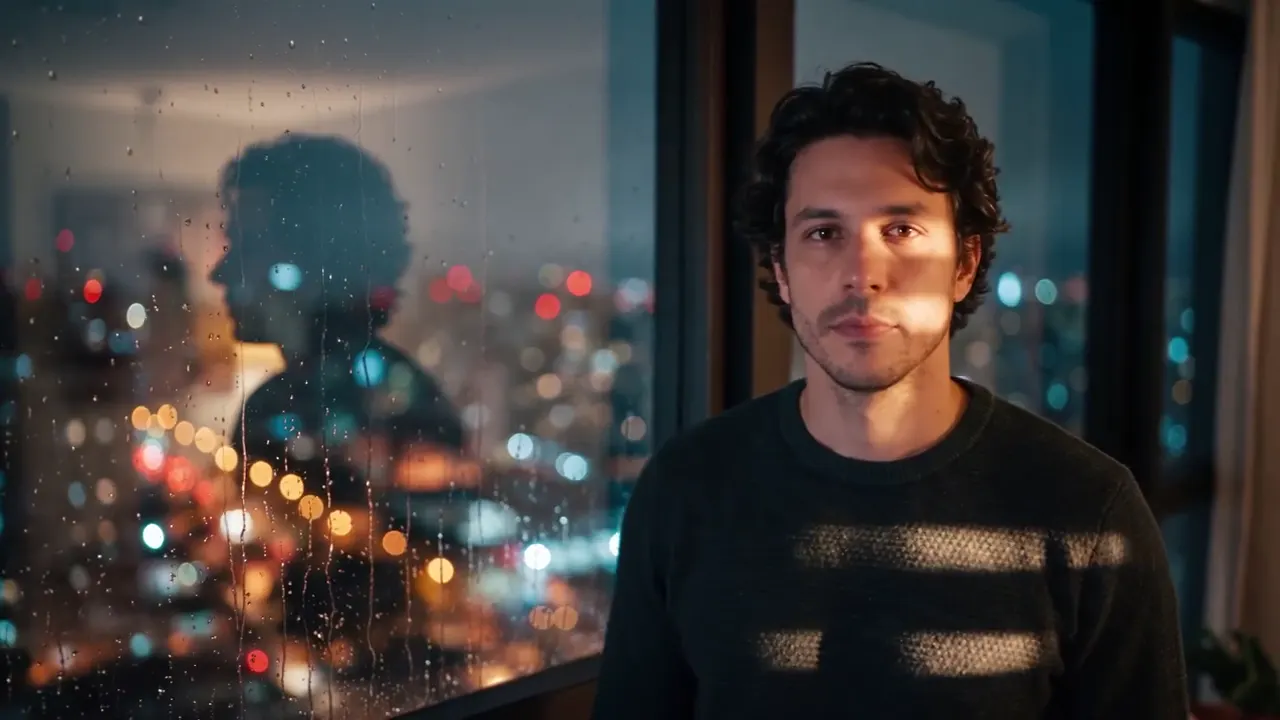
Premium -
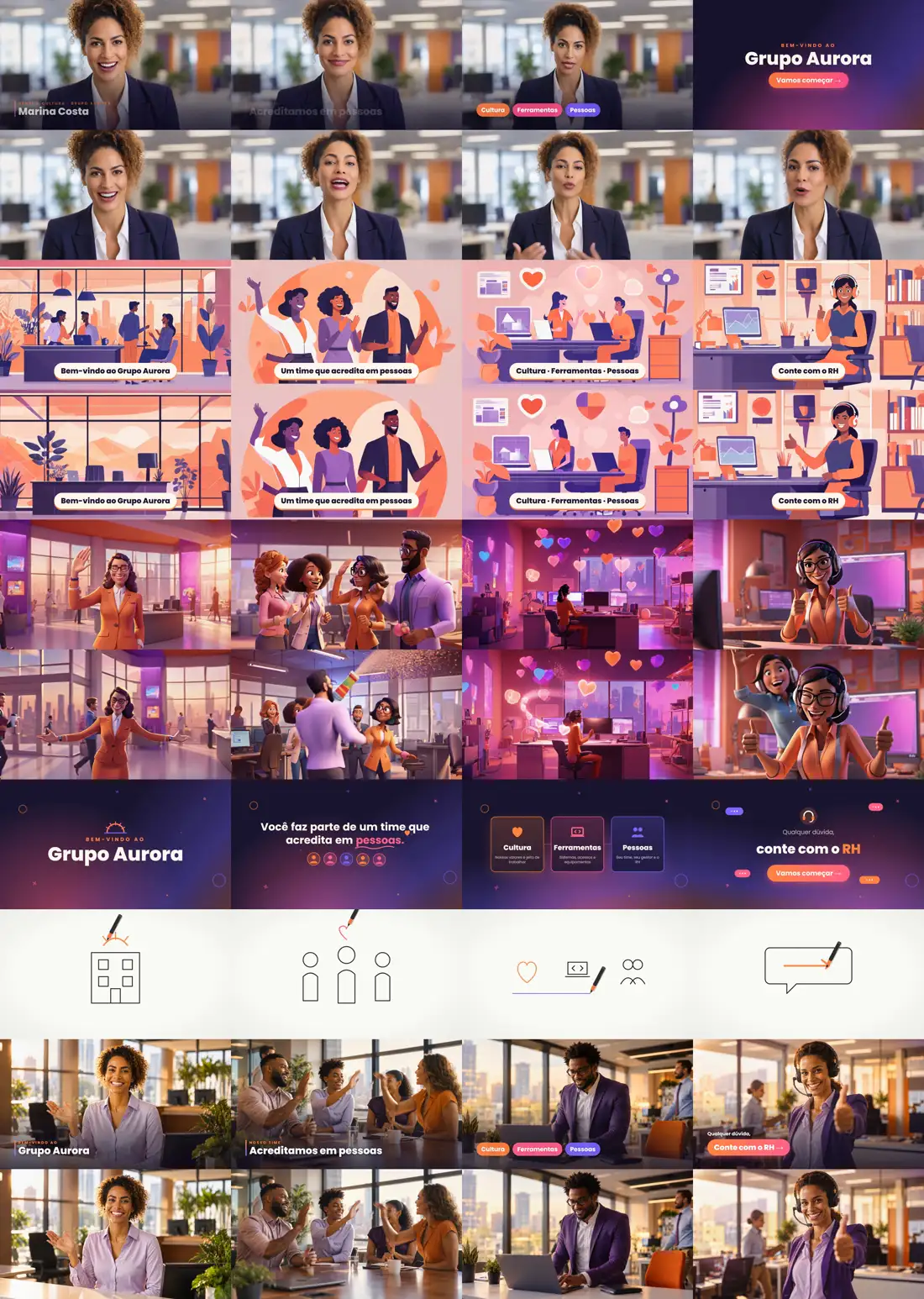
AI + curation · 19 generated · 15 used
Retries and curation
AI makes mistakes: odd hands, faces that drift, motion that makes no sense. You generate more than you use, and someone has to choose.
-
AI + tweaks · 3 parts
Lip sync
The avatar's speech was generated in three parts and joined with a slight zoom to hide the seam.
-
AI + mixing · −16 LUFS
Music and sound
Music generated and mixed well below the voice, at the standard loudness for the web.

-
human · cut × transition
Editing and motion
Loose clips become a film in the edit. On the left, a hard cut; on the right, the animated transition we added on top.
-
human · 6 styles
Color and delivery
Color grading, captions, formats and final review. The same script was delivered in six styles.

05 · Choose
Which model for your project?
Three quick questions and we point you to the best starting point.
06 · FAQ
Frequently asked questions
What is the best AI video generator?
There is no single best one. Top models get faces, speech and fine detail right more often, but cost up to 80 times more per second. Budget models handle scenes without dialogue, drafts and high volumes well. In real productions we often combine two or three models in the same video, each where it performs best.
How much does an AI-generated video cost?
The cost depends on six factors: the model, the resolution, the length, the number of retries until it's right, audio and speech generation, and the human work of scripting, curation, editing and finishing. Among the models tested here, the cost per second ranges from 1× to about 80×, which is why every quote is made per project.
If AI makes the video, why isn't it almost free?
Every generated second is billed by the model provider, and AI makes mistakes: for each usable take we generate several attempts. Then add voice, music, editing, color grading and the human curation that picks and fixes what goes on air.
Is there a free AI video generator?
There are free plans with a few credits, watermarks, low resolution and short clips — good for testing. For commercial use in 1080p or 4K, without a watermark and with usage rights, generation is paid per second, and the cost grows with every discarded attempt.
Which AI generates video with audio and speech?
Five of the six models tested generate audio together with the picture, and the top ones already lip-sync speech. The Budget profile generates silent video; in that case the voice is produced separately, with a human or synthetic voice-over, and synced in the edit.
Is 4K worth it?
For big screens, large TVs or when the edit will crop the shot, yes. For social media and phone screens, 1080p is usually enough — and costs much less: 4K has nine times the pixels of 720p and costs 4 to 6 times more.
Were the videos on this page edited?
Not in content: they are the original outputs of each model, from the same starting image and the same prompt, only trimmed to 5 seconds per scene and converted for the web.
Which AI models were tested on this page?
Test run on October 7, 2026, with the same starting image and the same prompt for all of them: Kling 2.5 (Kuaishou) as the Budget profile; MiniMax H3 (MiniMax) as the Value profile; Kling 3.0 (Kuaishou) as the Versatile 4K profile; Wan 2.6 (Alibaba) as the Multi-shot profile; Veo 3.1 (Google) as the Cinema profile; Seedance 2.5 (ByteDance) as the Premium profile.
| Profile on the page | Model | Company |
|---|---|---|
| Budget | Kling 2.5 | Kuaishou |
| Value | MiniMax H3 | MiniMax |
| Versatile 4K | Kling 3.0 | Kuaishou |
| Multi-shot | Wan 2.6 | Alibaba |
| Cinema | Veo 3.1 | |
| Premium | Seedance 2.5 | ByteDance |
AI video production company
Don’t bother with models, credits and editing. W2 delivers your finished video.
We are a production company: we choose the right model, resolution and length for your goal, run every attempt, the voice, the music and the edit — and you receive the finished video, with a fixed quote before the first second is generated.